

Ninthkart is a first of its kind digital marketplace built especially for creators who sell digital products like eBooks, design assets, game templates, app themes, scripts, plugins, and more.
If you’re a digital creator looking to earn global income without worrying about hosting, delivery, or payments — Ninthkart gives you everything in one place.
This guide will walk you through exactly how to register and start selling on Ninthkart, whether you’re using a desktop or a mobile phone.
Why Sell on Ninthkart?
Before we get started, here’s why thousands of creators are choosing Ninthkart:
🌍 Sell to a global audience
💸 Instant payouts
🧾 Zero setup fees
🛒 Your own digital storefront
🔒 Secure file delivery
📈 Built-in marketing & buyer traffic
Once your store is approved, you can focus 100% on creating — Ninthkart handles everything else.
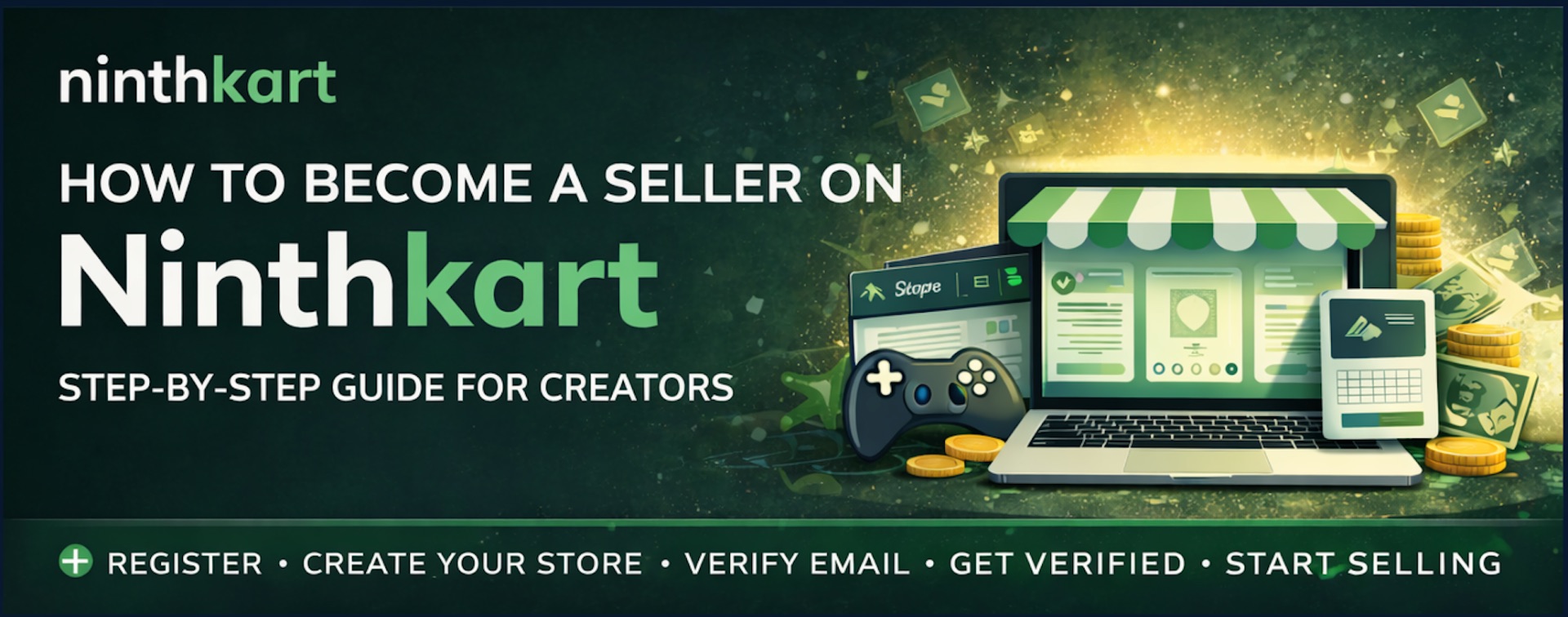
How to Register as a Seller on Ninthkart
The seller registration process is simple and designed to make sure only genuine creators get access to the marketplace.
The steps are slightly different depending on whether you’re using Desktop or Mobile.
For Desktop Users
Step 1 – Click “Start Selling”
Visit ninthkart.com
At the top of the website, click the “Start Selling” button in the header.
Step 2 – Join as a Seller
A popup will open with “Join as a Seller”.
Here you will:
First register as a Ninthkart user
Then continue to create your seller profile
This makes sure every seller also has a secure buyer and account profile.
Step 3 – Complete Seller Profile
After user registration, you will be asked to enter your seller details such as:
Store name
Type of digital products
Contact and profile information
This creates your official Ninthkart store identity.
Step 4 – Verify Your Email
After submitting the form, you will receive an email verification link.
Click it to confirm your account.
This step is important for:
Security
Payments
Store approval
Step 5 – Ninthkart Team Reviews Your Store
Once your email is verified, your shop goes into verification.
The Ninthkart team checks:
Product category
Store details
Compliance with marketplace rules
This ensures high-quality sellers and buyer trust.
After approval, your store becomes live and ready to sell 🎉
For Mobile Users
If you’re using a smartphone, the process is just as simple.
Step 1 – Open Menu
Go to ninthkart.com
Tap the menu icon (☰)
Step 2 – Tap “Become a Seller”
From the menu, select “Become a Seller”
This takes you to the seller onboarding page.
Step 3 – Click “Start Selling Now”
Tap “Start Selling Now”
After this, the process is exactly the same as desktop:
Register as a user
Create seller profile
Verify email
Wait for Ninthkart team approval
What Happens After Approval?
Once your store is verified, you can:
Upload digital products
Set pricing
Customize your store
Start receiving global orders
Get paid directly
There are no setup fees, and you can withdraw earnings once you reach the minimum payout limit.
Who Can Sell on Ninthkart?
You can sell if you create:
📘 eBooks & PDFs
🎮 Game templates
🎨 Digital art & assets
💻 App themes
🧩 Plugins & scripts
🧑💻 UI kits, icons, mockups
📦 Any downloadable digital product
If it’s digital, it belongs on Ninthkart.
Start Your Digital Business Today
Ninthkart is not just a marketplace — it’s a platform built to help creators turn their skills into income.
Whether you’re a freelancer, developer, designer, writer, or digital entrepreneur, you can launch your own store in minutes and sell worldwide.
👉 Visit ninthkart.com and click “Start Selling” today.